Now available on Android

Replace the whiteboard and the group text.

Tether is a command center for contractors, cabinet shops, landscapers, and detailers — crew scheduling, time tracking, job management, and real-time visibility. All from your phone.

Download on Google Play See how it works ↓ 90-day free trial · Plans from $8/mo
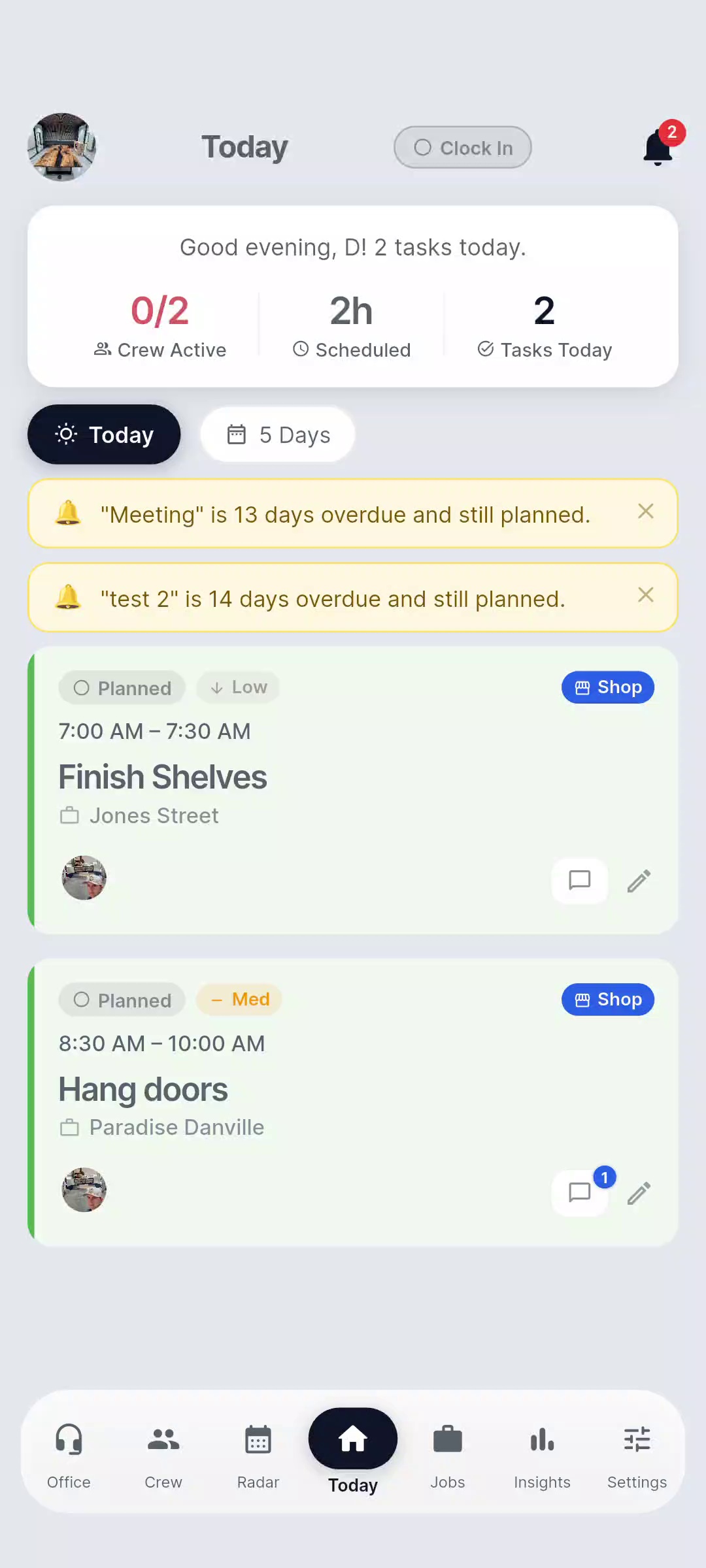
Tether Today screen
90-day
free trial
Full access included. No credit card required to start.
Trusted
by pros
Used by real trade crews. Direct feedback shapes every update.
6 core
screens
Office · Crew · Radar · Today · Jobs · Insights

Your crew runs between the shop and the job site. Your tools don't.

Generic apps don't understand the difference between shop time and site time. You need a system built for how trade businesses actually work.

📲

"Who's where right now?"

You're calling or texting to find out if crew showed up and what job they're on. Every single day.

🕐

Timecard chaos at week's end

Hours logged on paper, in texts, or from memory. Disputes, missing entries, and payroll headaches every Friday.

🔁

Shop time and site time are different

A day in the shop building cabinets is nothing like a day on-site doing an install. Your scheduling tool should know the difference.

Design Philosophy

The Sawdust Rule

If it takes more than 3 seconds with dirty hands, we don't build it. Every screen is designed for one-handed, on-the-go use — in the truck, on the ladder, between cuts.

One-handed Thumb-friendly 3-second rule

Everything in one place.
Right from your phone.

New · AI-Powered

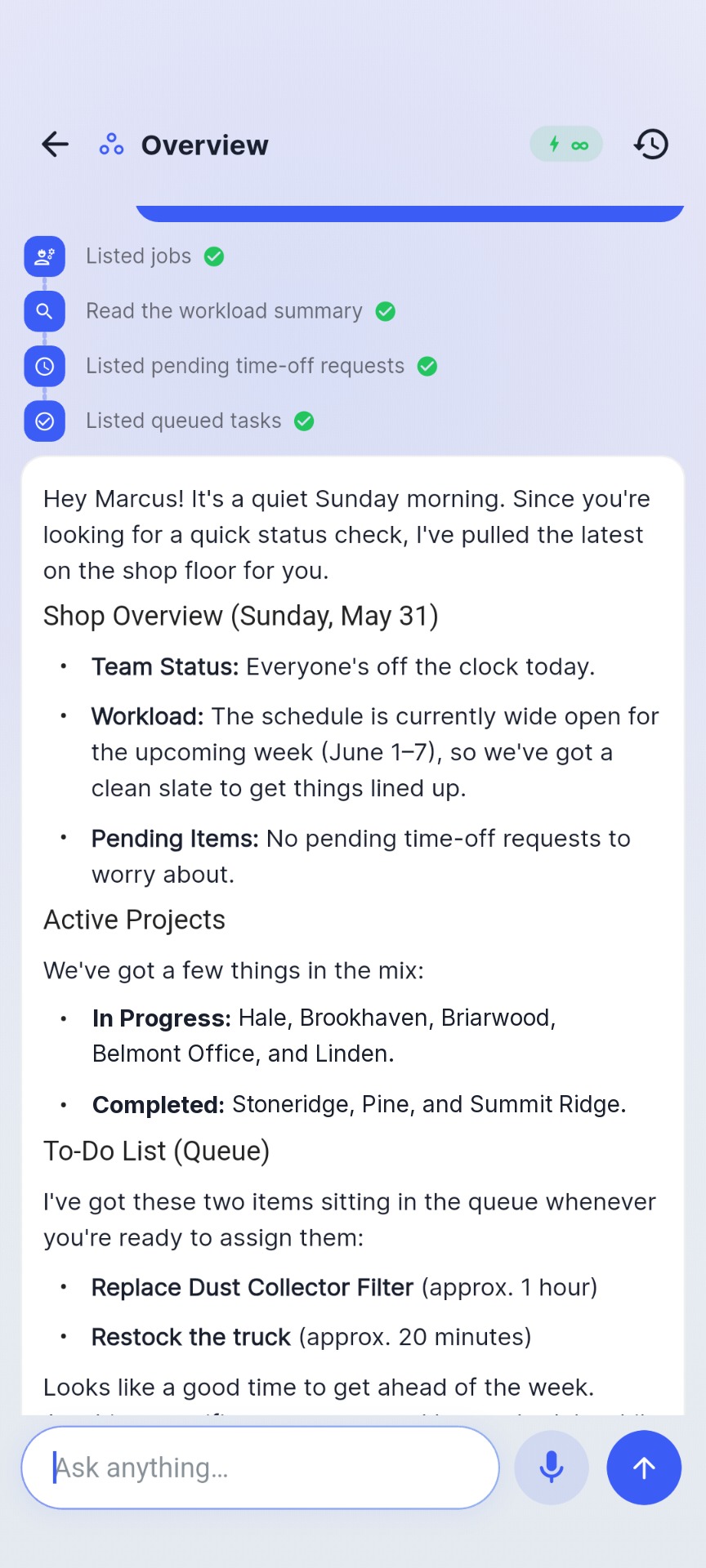
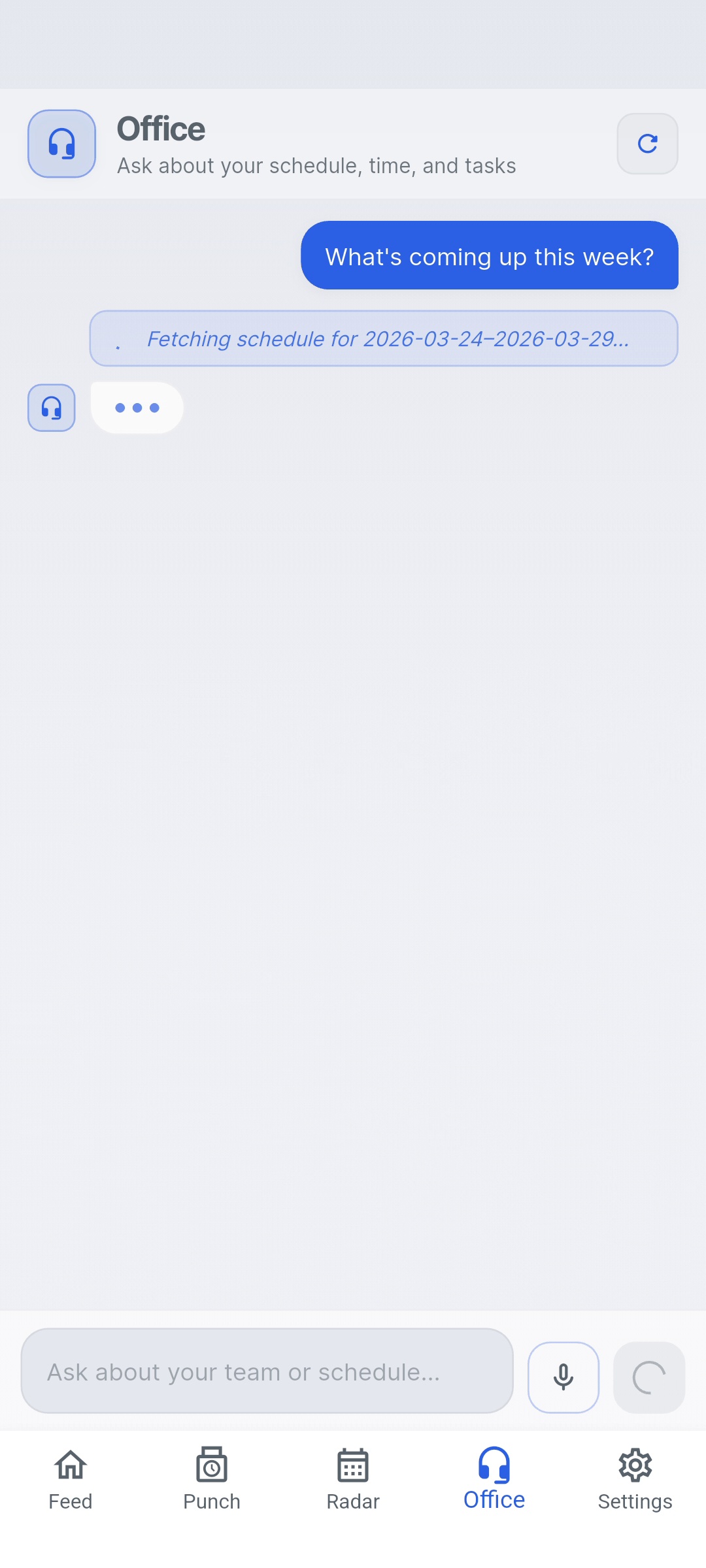
Meet Office — your AI field assistant

Ask plain-English questions about your crew, your jobs, and your day. Office pulls live answers from your actual data — no dashboards to dig through.

Show everyone's time entries today
Who hasn't clocked out yet?
What jobs are active right now?
How many hours did Marcus log this week?
Office
Responding
Who hasn't clocked out yet?
Jake and Carlos are still clocked in — Jake at Anderson Kitchen (7h 22m), Carlos at Westside (5h 48m).
How many hours total today?
Your crew has logged 24h 16m across 3 jobs today.
Ask about your team or schedule...
📍

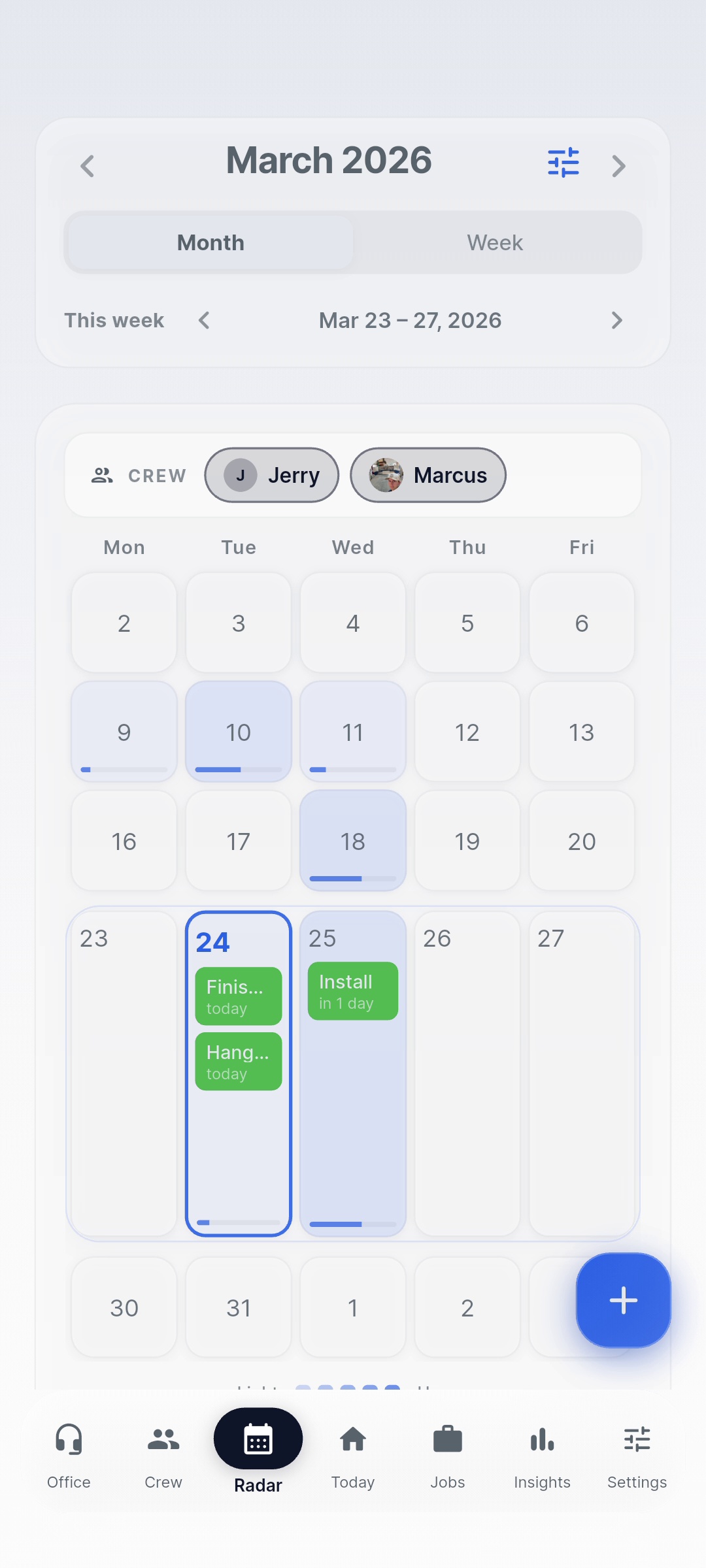
Radar — Live Crew Scheduling

See every crew member's schedule in a live week or month view. Assign jobs, spot gaps, and know who's where without a single call.

⏱️

Punch Clock & Timecards

Crew clocks in and out from their phone. Timecards are automatic, accurate, and tied to specific jobs — ready for payroll without the Friday scramble.

📋

Jobs & Task Management

Build jobs with tasks, assign crew, and track progress in real time. Everyone knows what they're doing and where they need to be.

📊

Insights & Efficiency

See hours by job, crew utilization, and productivity trends over time. Make scheduling decisions based on data, not gut feel.

🔔

Automated Briefings

Daily briefings, end-of-day summaries, weekly recaps, and quarterly reviews — all auto-generated and delivered on schedule. Toggle each one on or off.

Built for the field, not a boardroom.

Every screen designed for fast, one-handed use on a job site.

Today screen
Today
Radar screen
Radar
Week view
Week View
Office / Office AI
Office · Office AI
Settings
Settings

Set up in minutes.
Running by end of day.

1

Create your account

Download the app, set up your business profile, and invite your crew. They download the free employee app and they're in.

2

Build your first job

Add a job, assign crew, set tasks. Takes about two minutes. Your team gets notified automatically.

3

Run your day from anywhere

Crew clocks in, Radar shows who's where, Office answers your questions. You're in control without being on-site.

"Will my guys actually use it?"

The employee app is built for people who don't want another app. One tap to clock in. That's it.

👆

One-tap punch clock

Open app, tap clock in. Done. No menus, no training, no complaints from the crew.

📋

Daily task feed

Employees see today's jobs, tasks, and schedule. No guessing, no "where am I going?" texts.

🆓

Free for your crew

Employees download the app at no cost. You pay for the admin seat — they just show up and punch in.


Simple, honest pricing.

Your crew downloads the app free. You pay only for the admin seat.

Monthly
Annual Save 20%
Solo
$10 /mo
For owner-operators running lean. One admin, no employees linked.
  • 1 admin seat
  • Jobs & task management
  • Punch clock (self)
  • Office AI assistant
  • Insights dashboard
Get Started
Enterprise
$60 /mo
For growing operations with up to 10 employees and more complex job needs.
  • 1 admin seat
  • Up to 10 employee seats included
  • Everything in Crew
  • Priority support
Get Started

All plans include a 90-day free trial with full access and up to 2 linked employees · No credit card required


Built for people who actually run crews.

★★★★★

"I used to spend the first 30 minutes of every morning just figuring out where everyone was. Now I open Tether and it's right there."

— Beta user, general contractor, CA
★★★★★

"The punch clock alone saved me hours on payroll. My guys actually use it because it's simple — that's the key."

— Beta user, 4-person electrical crew
★★★★★

"Office AI is genuinely useful. I asked it to show me who was still on the clock at 6pm and it answered immediately. That used to be three text messages."

— Beta user, remodeling contractor

Common questions.

Is the app really free for my employees?
Each plan includes employee seats up to the plan limit — Crew includes up to 5, Enterprise up to 10. Your crew downloads the Tether app for free; you're billed based on your plan tier. The 90-day free trial includes full access with up to 2 linked employees.
What phones does Tether work on?
Tether is currently available on Android. iOS support is in development. Both admin and employee apps are available on the Google Play Store.
How does Radar scheduling work?
Radar shows a week or month view of your crew's scheduled jobs. You can see who's assigned to what, spot scheduling gaps, and add new assignments directly from the calendar view.
Can I export timecard data for payroll?
Yes. Time entries are stored per employee per job and can be exported directly from the Timecard screen as Excel (.xlsx), CSV, or PDF — ready for payroll processing.
What trades is Tether designed for?
Tether works for any business that manages a mobile field crew — general contractors, electricians, plumbers, landscapers, HVAC, painting, and more. If you're running people across job sites, Tether is built for you.